Welcome !
Thank you for your purchase!
Please follow the simple onboarding steps below:

Important: Please Check Your Spam Folder !!! If you need immediate support, please reply to any of the onboarding emails or email [insert email or email custom value]
PSQ Link is a set of tools to help you grow your business more effectively. It’s not and never will be a replacement for you or your company.
Coming soon: PSQ's “Endorsed Service Providers” directory where vetted PSQ Link members will be able to get more business. And clients will hire you
with confidence.

NEXT...
Check your INBOX for the follow emails:
NEXT...
Check your INBOX for the follow emails:
Email #1: Login & Set Your Password
Use this email to login & set your password to the [Insert Name Of Product].
- This is a where you will access your course
Email #2: Tips for getting started
Use this email to help you know where to go first. 🥳
- After you have set your passwords, this email will help you know the exact steps to do next.
RECEIPT
Order Confirmation
RECEIPT
© 2026. . All rights reserved.
Privacy Policy
STEP ONE
Download your onboarding Call checklist
This checklist contains a list of things you must bring to your onboarding call. Without this information, we will not be able to complete your call. Our team will be reaching out to you in the next 24 hours to schedule your intake call.
Please download the checklist to your computer, by clicking the button below. You will be using it to hook up your integrations and choose various settings in the software.
STEP TWO
Check your email for the follow *THREE emails
Email #1: Activate your "Vessel Business Studio Account" & Login Credentials.
You will use this to create your password & login to your VBS account
*THIS is a time-sensitive email. For security purposes this email will expire in 12 hours. If your link has expired, please email [email protected] or click the chat icon on VesselBusiness.com
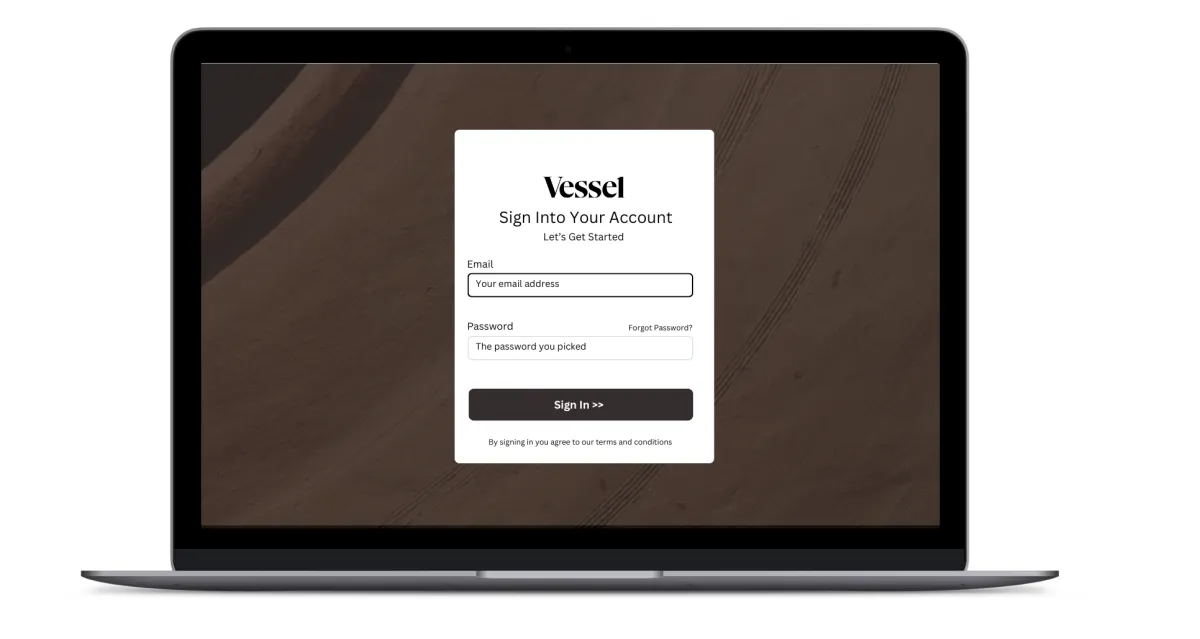
Email #2: "Vessel Academy" Login Credentials:
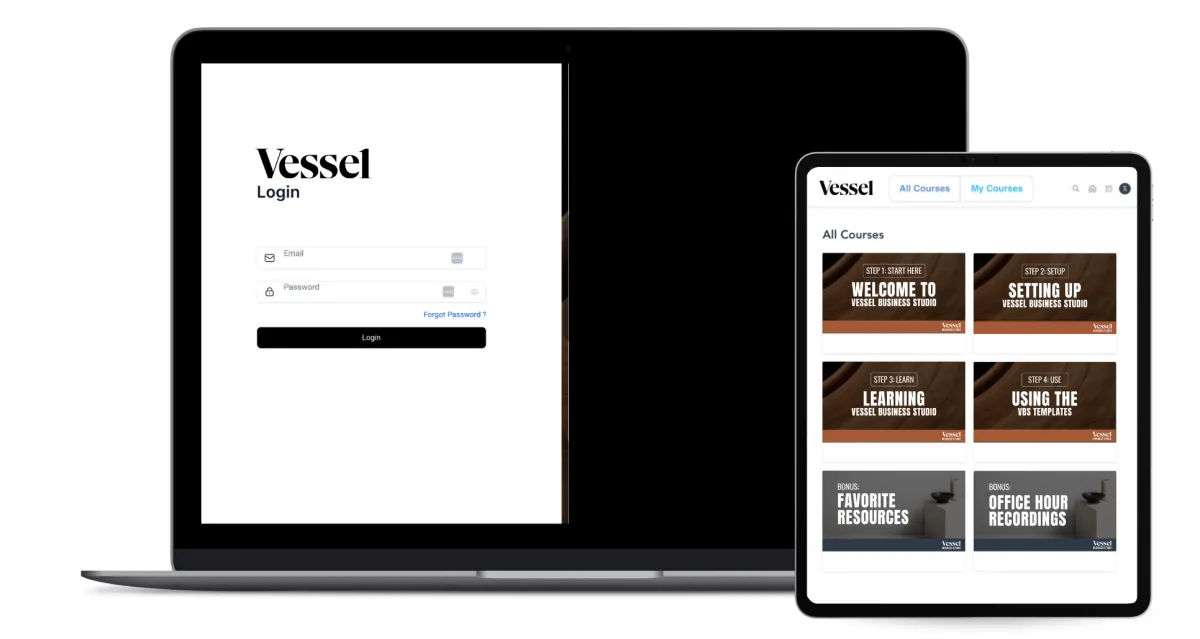
As a BONUS we have granted you access to Vessel Business Academy. A separate membership portal that contains go-at-your-pace video library to help you setup & learn the VBS software. Save the login contained in this email to login to the Vessel Academy area which contains our onboarding courses.
*Please note, this is a different password/area from your VBS Software Account.
Email #3: Tips for getting started
Contains tips on what to do and where to go first :)
STEP THREE
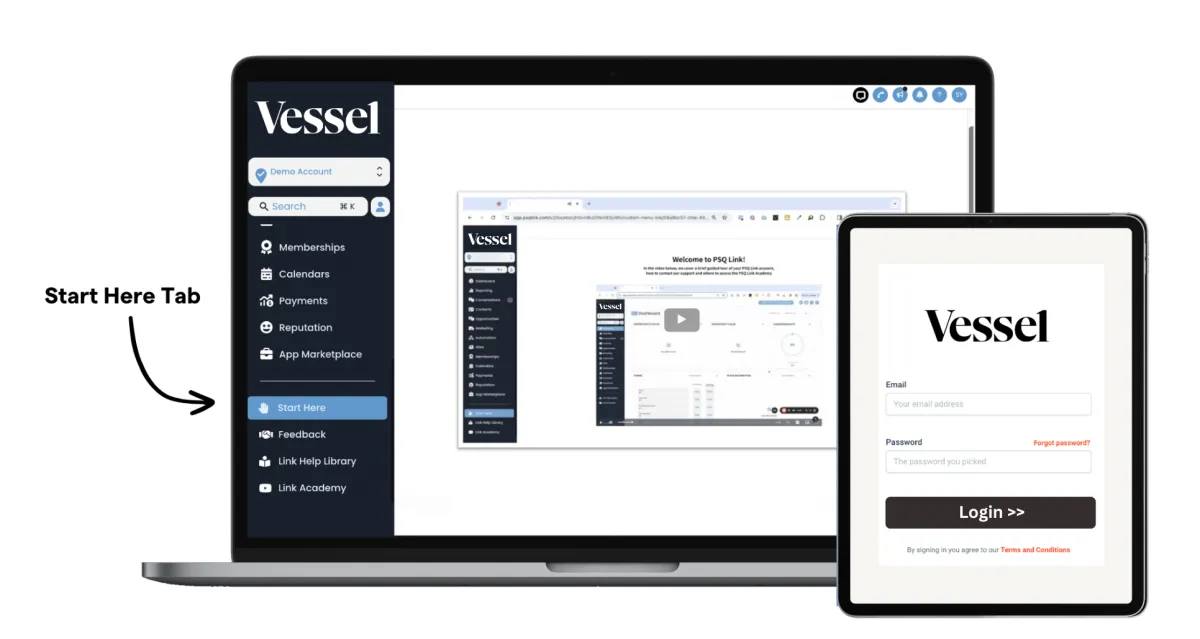
Login & go to the "start here" tab INSIDE Your Account
After setting your password (Email #1), login to studio.vesselbusiness.com. Next, scroll down the left sidebar and look for the "start here" tab.